Making It Easier for You
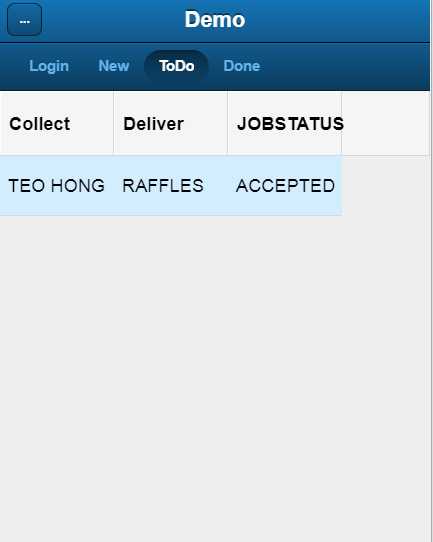
Here all orders you accepted and have to do are shown.
You need to input the CNNO number for a A to B. Our modern CNNO are 8 digits numbers. but for older CNNO from the past, it may be 5 or 6 digits.
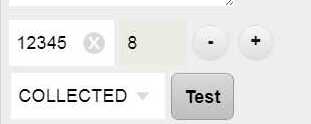
The - and + sign changes the digits allowed.Change the size of digit allowed to match the number of digits on the CNNO. Change STATUS to COLLECTED, and press the TEST button. Pressing that will show:
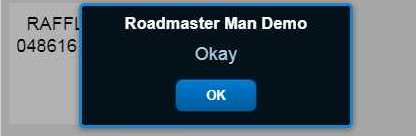
You need to press the CONFIRM button. Then the status will change to
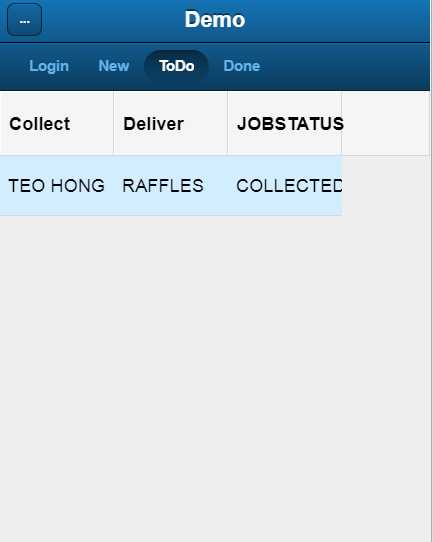
Please re-do the previous steps. Remember, timing means FULL Commision. So please don't this step.
You need only do the TODO page and DONE page at the end. So, in other words, you do the two steps, all at the end on final delivery to the A side.