
Making It Easier for You
Change the status to COMPLETED and Press the confirmation button, then the UPLOAD interface will be shown.
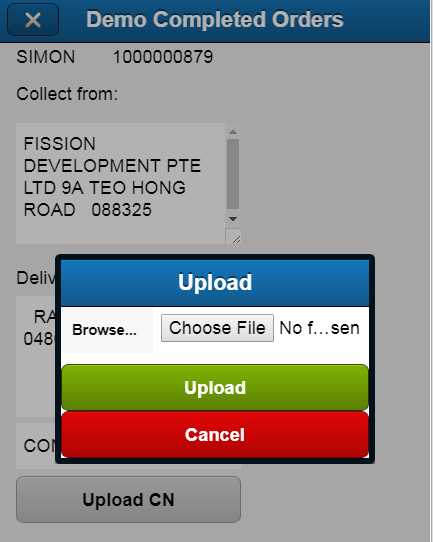
For Andriod phone, you will be shown to use CAMERA or choose from the Document folder where your images are stored.
For IPhone, you will asked to take a picture or choose from PHOTO
REMEMBER TO PRESS UPLOAD FINALLY
